
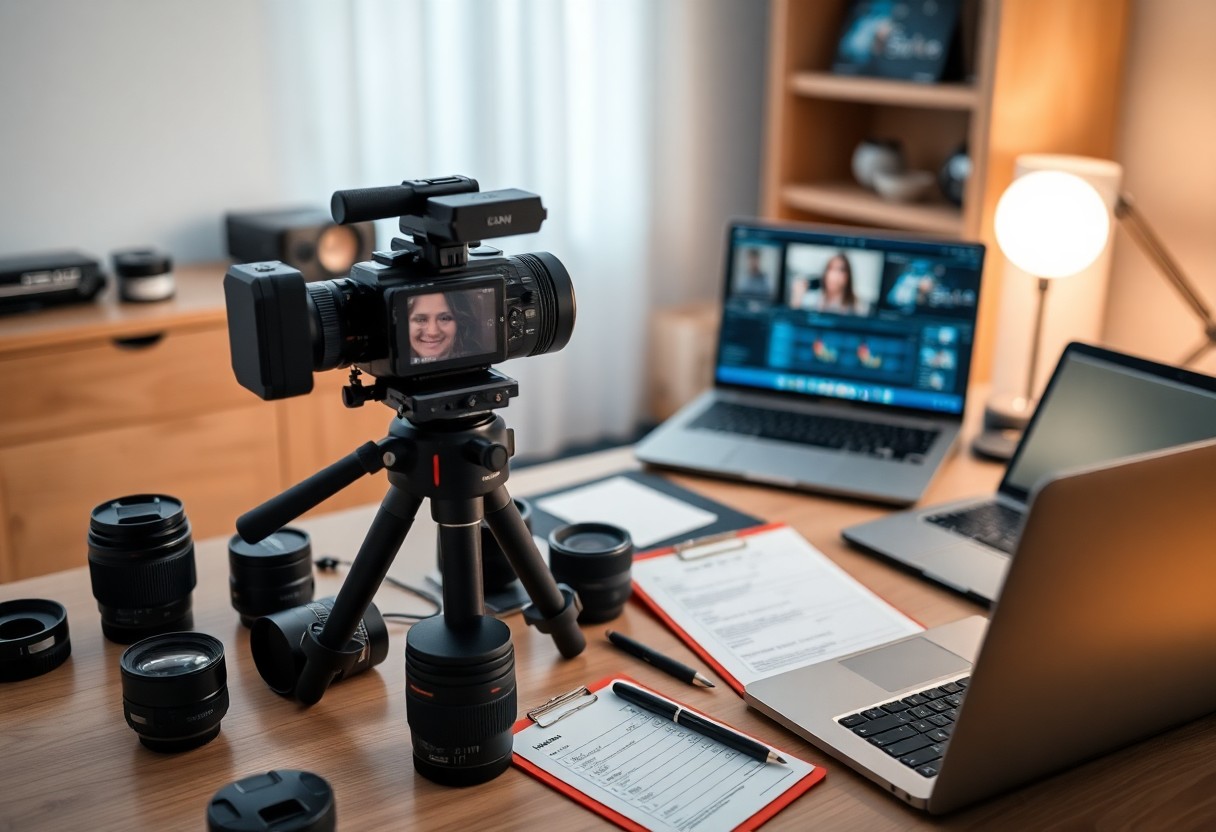
Many aspiring videographers face challenges when capturing the essence of special events. This comprehensive checklist will guide you through every step of the process, ensuring you’re well-prepared and equipped to create stunning footage. From pre-production planning to tackling unforeseen issues on the day, your attention to detail will not only enrich your work but also enhance your clients’ experience. With this checklist in hand, you can focus on what truly matters: bringing your creative vision to life and delivering impressive results that exceed expectations.
Key Takeaways:
- Begin with a detailed pre-production plan to outline objectives and key moments to capture during the event.
- Select the appropriate equipment, including cameras, microphones, and lighting, to enhance the video quality.
- Scout the venue in advance to identify optimal shooting locations and understand the layout.
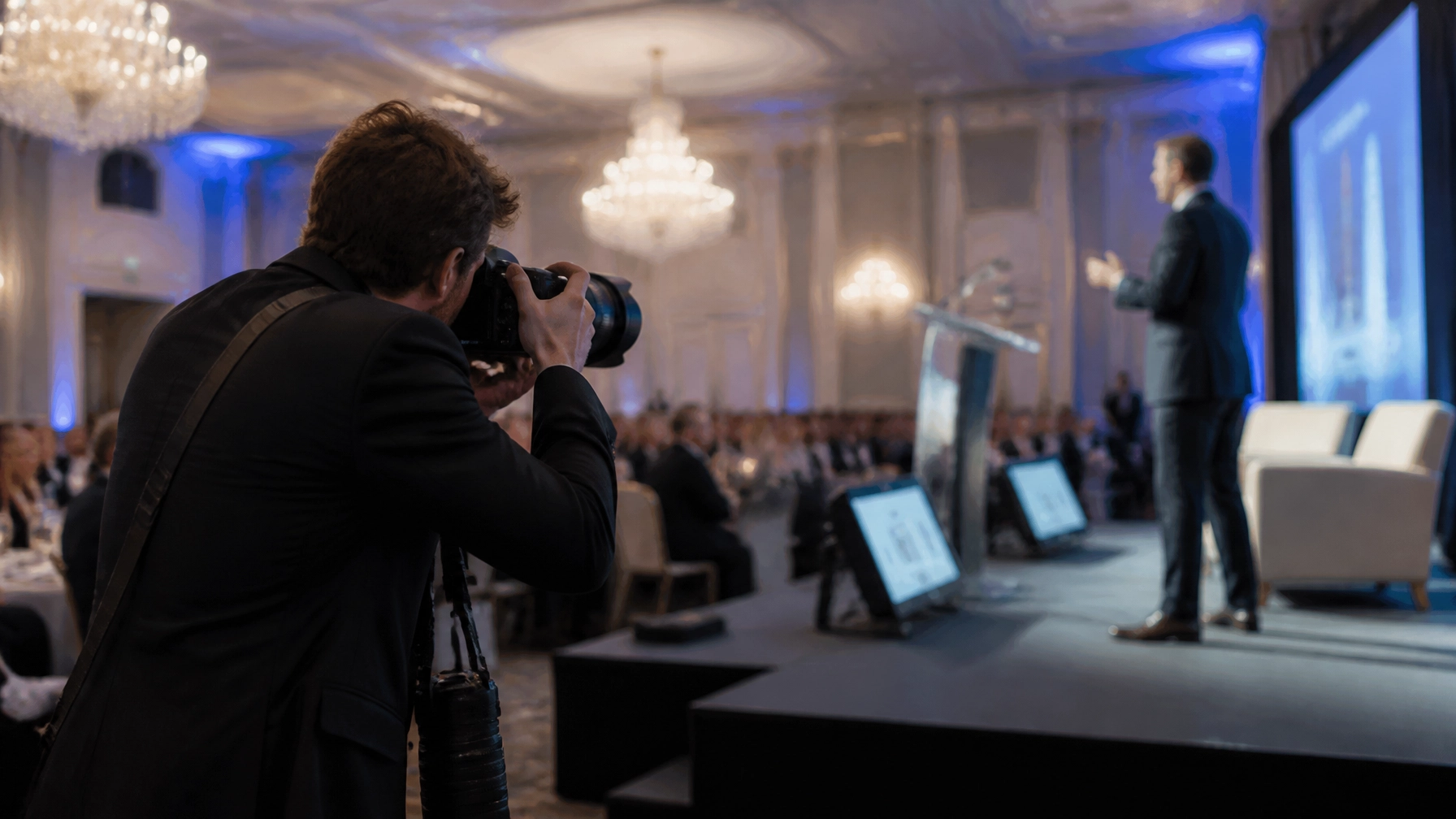
- Coordinate with the event organizers to be aware of the schedule and any important speeches or performances.
- Utilize a variety of shots, including wide angles, close-ups, and candid moments to make the video more engaging.
- Pay attention to audio quality by using external microphones and testing sound levels prior to the event.
- Stay organized during the editing process to ensure a cohesive final product that highlights the essence of the event.
Crafting a Vision: Essential Pre-Production Steps
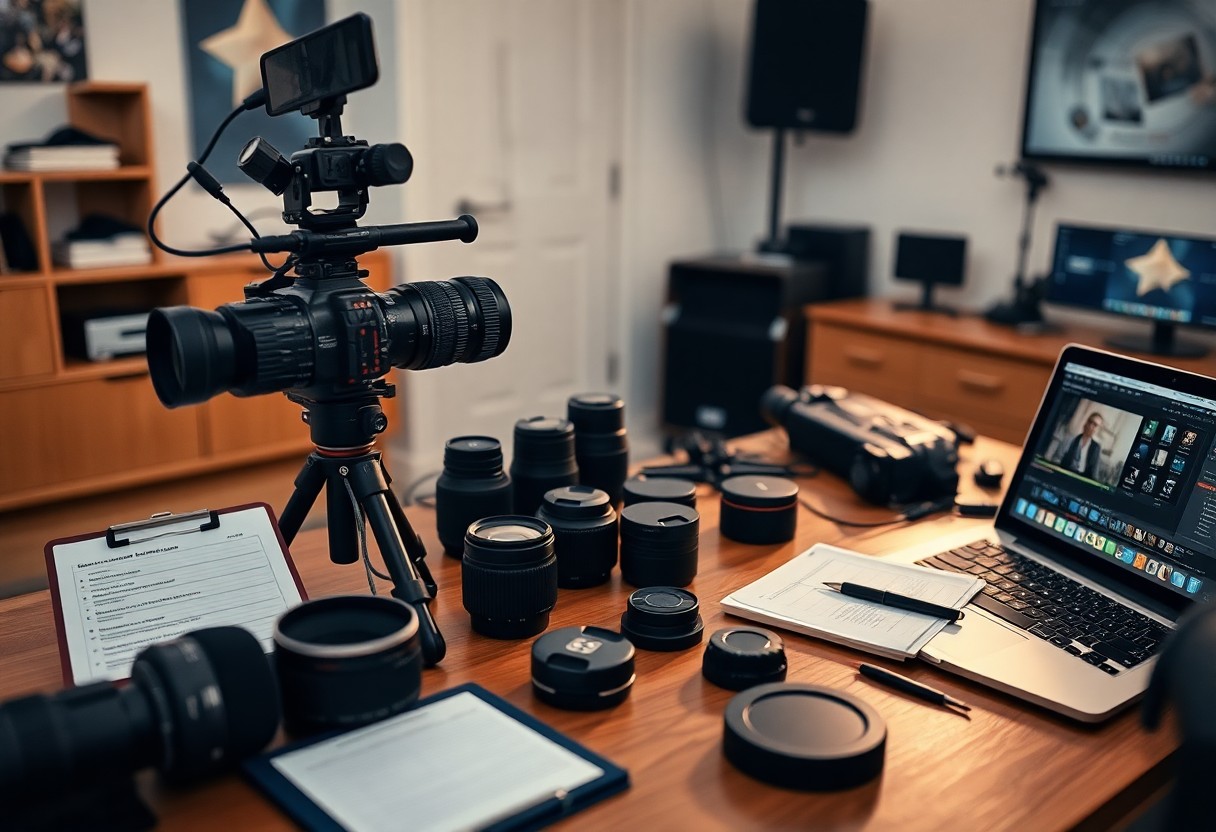
Successful videography begins with a strong vision that guides your entire project. In the pre-production phase, you must focus on defining your concept, which entails understanding the narrative you want to convey. By mapping out the overall structure of the video, you establish a foundation that will inform your shooting style, editing decisions, and the overall mood of the final product.
Identifying Objectives and Goals
Your first step should be to pinpoint the specific objectives for your event videography. Are you aiming to create a promotional piece, a documentary-style recap, or a highlight reel? By setting clear goals, you align your production efforts with your intended audience and desired outcomes, ensuring that your final video meets expectations.
Creating a Comprehensive Shot List
Next, crafting a comprehensive shot list allows you to organize your video visually and logistically. This detailed checklist should outline every key moment and angle you want to capture during the event, making it easier to coordinate with your team and ensuring you don’t miss any vital footage.
A compelling shot list is both a roadmap and a safety net for your shoot. Include specific details for each shot, such as camera angles, framing, and any necessary equipment. Think about the storytelling elements—like establishing shots, close-ups of emotional moments, and crowd reactions—that will add depth to your final project. It can be beneficial to categorize your shots by sequence or location to streamline the shooting process. This preparation enables you to capture high-quality content efficiently while still allowing for any spontaneous moments that could arise during the event.
Gear Grab: Choosing Your Equipment Wisely
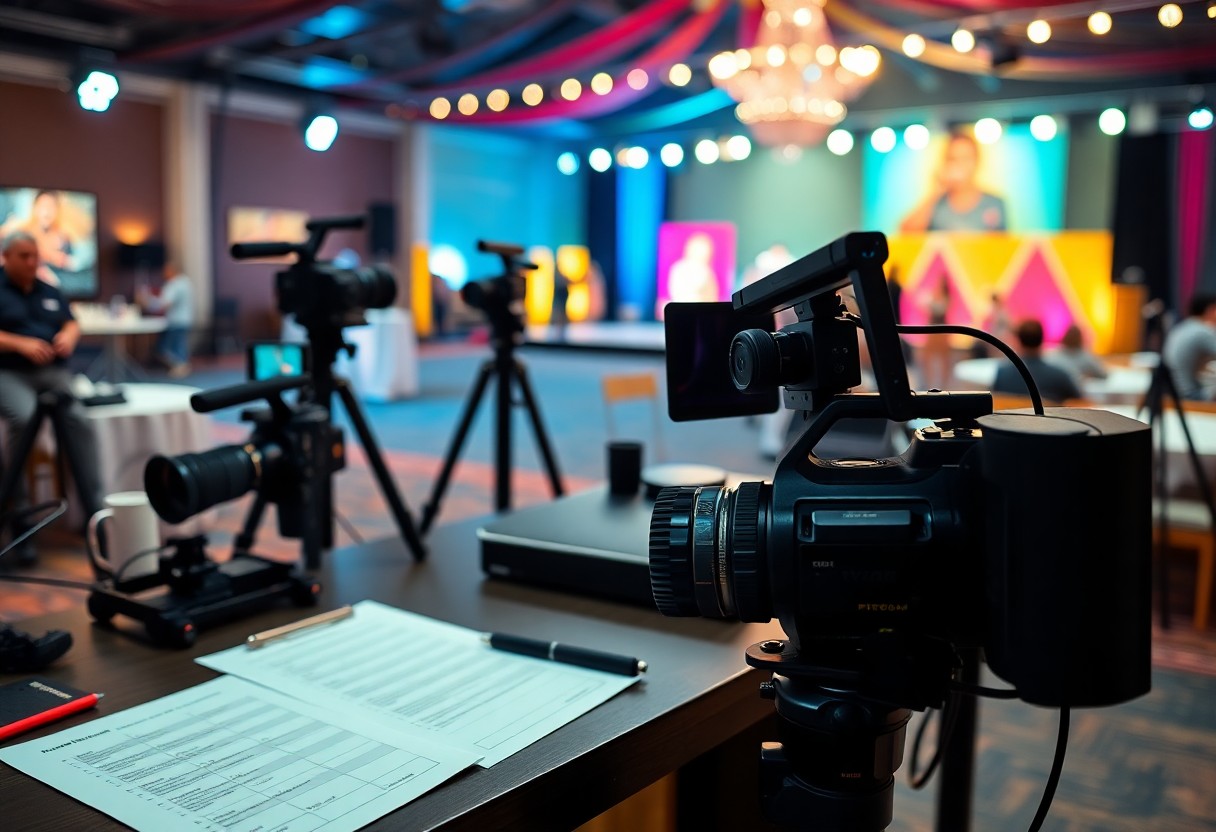
Your choice of equipment can make or break your event videography. Selecting the right gear involves understanding the specific demands of each event type. Invest in versatile equipment that accommodates various environments and lighting situations. A stable tripod or gimbal, quality lenses, and backup batteries are importants that ensure you’re ready for anything. Assess your budget and consider renting high-end gear for particular events, allowing you to elevate the quality of your footage without a hefty purchase.
Cameras, Lenses, and Accessories for Every Event
Having the right cameras and lenses allows you to adapt to different scenarios effortlessly. For example, a mirrorless camera often provides greater flexibility in a compact form, while a DSLR can excel in low light due to its larger sensor. Select fast lenses, such as 50mm f/1.8 or wide-angle options like 24mm f/2.8, to capture immersive, high-quality shots. Accessories like ND filters, external monitors, and lens hoods can further enhance your shooting capability, allowing for creative expression in different lighting conditions.
Sound Equipment: Capturing Every Word and Emotion
High-quality audio is just as vital as stunning visuals in event videography. Integrating the right sound equipment ensures that you capture every nuanced moment. Invest in shotgun microphones for directional sound or handheld recorders for interviews and speeches, minimizing ambient noise interference while enhancing clarity.
Utilizing a combination of lavalier and shotgun microphones gives you a two-pronged approach to sound. Lavalier microphones are perfect for capturing individual voices during interviews or speeches, as they easily clip onto the speaker and remain unobtrusive. Shotgun microphones excel in directional sound capture and can isolate audio when positioned correctly. Consider investing in a portable audio recorder to enhance flexibility, particularly in crowded environments where wireless signals might be less reliable. Your choice of sound recording methods can significantly impact your final product, so always test equipment before the event to ensure crisp, crystal-clear audio that elevates your work.
Mastering the Art of Storytelling Through Interviews
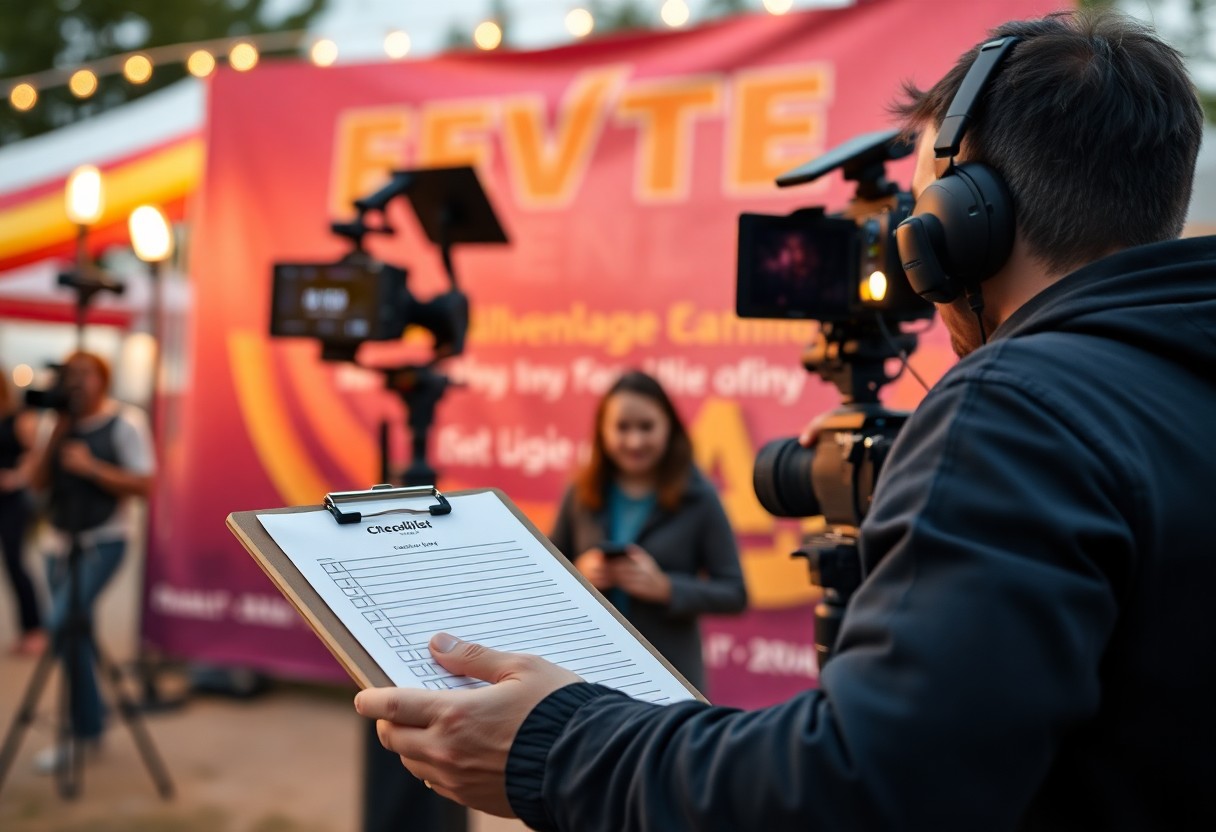
Effective event videography thrives on the ability to weave compelling narratives through interviews. Interviews transform mundane footage into engaging stories by harnessing the voices of participants, drawing out their personal experiences, and capturing the essence of the event. By focusing on the art of storytelling, you not only enhance the impact of your video but also create a powerful emotional connection with your audience that resonates long after viewing.
Designing Engaging Interview Questions
Crafting thought-provoking, open-ended questions is key to conducting engaging interviews. Strive to encourage participants to share personal stories or insights that probe deeper than surface-level responses. Instead of asking, “Did you enjoy the event?” try framing questions like, “What was the most memorable moment for you today?” This will lead to richer narratives that can elevate your overall video production.
Techniques for Drawing Out Genuine Responses
To elicit authentic responses during interviews, create a comfortable atmosphere that fosters trust and openness. Begin with light conversation to ease any tension, allowing participants to feel at ease before venturing into deeper topics. Maintain eye contact, use active listening techniques, and let silence work in your favor—sometimes, the best answers emerge after a brief pause. Additionally, incorporating follow-up prompts based on their previous comments can encourage them to elaborate further, revealing layers of emotion and insight that strengthen your narrative.
To refine your skills in drawing out genuine responses, developing a rapport with interviewees is crucial. This involves demonstrating empathy, validating their feelings, and showing enthusiasm about their stories. Using reflective listening techniques—such as paraphrasing their answers or expressing appreciation for their insights—can further encourage participants to share more than they initially planned. Employing a conversational tone and allowing the dialogue to flow naturally can also lead to unexpected gems that convey the heart of the experience. Engaging your interviewees in a way that makes them feel heard often results in powerful, impactful storytelling.
Techniques for Cinematic Event Coverage
Achieving cinematic event coverage hinges on your ability to utilize advanced techniques that elevate the visual appeal of your footage. Effective videographers blend artistry and technical skills to capture emotions, moments, and stories unfolding throughout the event. From understanding camera angles to employing thoughtful framing, these techniques can transform average footage into something truly memorable. Focusing on movement and lighting plays a significant role in creating an immersive viewing experience, engaging your audience on multiple levels.
Harnessing Movement for Dynamic Footage
Incorporating movement into your shots adds energy and life to your footage. Utilize techniques like sliding, panning, and even tracking shots to create a sense of dynamism. For example, using a gimbal allows you to glide smoothly through the event, capturing candid moments with a lively touch. Consider following a speaker as they move about the stage or drifting through the crowd to document interactions that embody the spirit of the event.
Effective Use of Lighting to Enhance Mood
Lighting dramatically influences the emotional tone of your footage. Positioning your subjects in well-lit areas, or using portable lights and reflectors, can enhance facial expressions and details, bringing life to each frame. Take advantage of natural light during outdoor events, and balance it with artificial lighting when necessary.
Utilizing lighting effectively involves not only brightening your subjects but also creating contrast and depth. For instance, during indoor events, soft diffused lighting can evoke feelings of warmth and intimacy, while hard lights with sharp shadows may impart a more dramatic or intense atmosphere. Adjusting white balance according to the ambient light conditions further enhances color accuracy and visuals. Explore different setups and use gel filters for color correction or thematic enhancements, ensuring that your live event coverage resonates with the intended mood across all scenes.
Post-Production: The Magic of Editing
Editing is where your raw footage transforms into a compelling visual story. It’s not just about cutting clips together, but about crafting a narrative that highlights the key moments of your event. Using creative transitions, sound effects, and the right pacing, you can enhance the emotional impact and clarity of your video. Pay attention to the flow, ensuring it resonates with your audience while retaining the essence of the occasion.
Selecting the Right Editing Software
Your choice of editing software will significantly impact the efficiency of your post-production process. Programs like Adobe Premiere Pro and Final Cut Pro offer a robust set of features, catering to both beginners and seasoned videographers. For those on a budget, DaVinci Resolve provides professional-grade tools without the hefty price tag. Identify software that aligns with your comfort level and the specific needs of your project to achieve the best results.
Techniques for a Polished Final Product
A polished final product can greatly elevate your event video. Start by familiarizing yourself with color grading techniques to enhance visual appeal, ensuring consistency across different shots. Sound design plays an equally important role; clean up background noise and layer in music or ambient sound to create depth. Utilizing engaging graphics or overlays can also help reinforce key messages or themes, guiding viewers through the narrative effortlessly. Finally, consider pacing; varying the speed of cuts, especially during highlights, keeps the energy dynamic and engaging.
Focusing on color correction enhances not only the aesthetic but also the emotional tone of your video. For instance, a vibrant, warm palette might evoke joy during a wedding highlight, while cooler tones can create a more serious atmosphere for corporate events. Integrating your footage with effective transitions can also significantly improve flow; use dissolves for emotional scenes and cuts for fast-paced segments. Effective sound design brings everything together—don’t underestimate the power of silence or subtle sound effects; they can elicit strong emotional responses and keep audiences engaged.
To wrap up
Upon reflecting on the comprehensive how-to checklist for successful event videography, you can see that meticulous planning and execution are vital to capture memorable moments effectively. By following these guidelines, you ensure that your videos not only tell a compelling story but also engage your audience. From pre-event preparation to post-production editing, each step is vital in achieving high-quality results. By utilizing this checklist, you’ll enhance your skills and elevate your videography projects to new heights, ensuring that you deliver a polished final product that you can be proud of.
FAQ
Q: What are the necessary steps to prepare for event videography?
A: Preparation for event videography involves several critical steps. First, familiarize yourself with the event details, including the venue, schedule, and type of event. Next, create a shot list or outline of key moments you want to capture. Additionally, test your equipment beforehand to ensure everything works properly, and make arrangements for backup equipment. Finally, establish a plan for communication with event organizers and other vendors to ensure seamless coordination.
Q: What equipment should I bring for event videography?
A: The necessary equipment for event videography typically includes a high-quality camera, tripod, microphones for audio capture, lighting gear when necessary, and extra batteries and storage cards. A gimbal can be useful for steady shots while moving. It is also beneficial to have a laptop or portable device for quick editing or reviewing footage on site, and any additional accessories like lens cleaners or cables to facilitate your work.
Q: How can I effectively capture audio during an event?
A: Capturing clear audio is vital for successful videography. Consider using external microphones, such as lapel mics or shotgun mics, to enhance sound quality. It’s also helpful to conduct sound checks before the event starts and monitor audio levels throughout the coverage. When possible, connect directly to sound systems via auxiliary cables, and always keep an eye on ambient noise that could interfere with the recording.
Q: What techniques can improve the storytelling aspect of the video?
A: To enhance storytelling in your event video, focus on capturing a variety of shots that showcase different perspectives. Utilize close-ups to highlight emotions and interactions, as well as wide shots for context. Incorporating interviews or testimonials from participants can also add a personal touch. Consider using B-roll footage to supplement the main events, giving viewers additional visuals to engage with the narrative.
Q: How should I approach editing the footage after the event?
A: Editing is a crucial stage in the videography process. Start by organizing your footage and categorizing clips based on the sequence of events. Use editing software to trim unnecessary content and apply transitions for smooth flow. Adding background music and sound effects can elevate the emotional impact. Don’t forget to review for any inconsistencies in audio or visuals, and consider sharing drafts with peers or clients for feedback before finalization.

Leave a Reply
You must be logged in to post a comment.